



Favourites

Account

Basket
VAT:
Ex
Inc


 45 years of trusted expertise
The UK solar market changed significantly in 27th August 2026. Following the updates introduced in Plug-In Solar UK: Now Legal (August 2026), flat owners, renters, and households with limited roof space now have a legal pathway to install plug-in solar systems.
If you are setting up one of these portable, ground-mounted, or balcony systems, you must understand the grid connection rules. Learning how to notify DNO for plug in solar correctly ensures your system remains compliant, safe, and eligible for export tariffs.
Do You Need DNO Permission for Plug-In Solar in the UK?
Understanding EREC G98: The "Connect and Notify" Rule
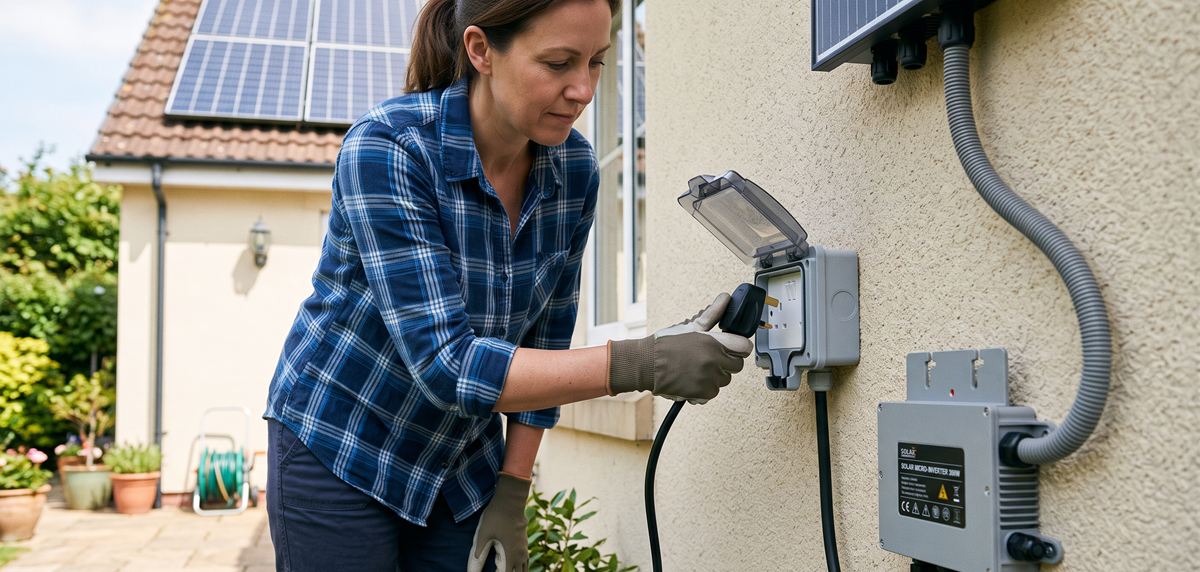
Under Engineering Recommendation G98, compliant plug-in solar kits operating at or below 16A per phase (which caps out at 800W AC max for these systems) function on a "connect and notify" basis. This means no prior approval from your Distribution Network Operator (DNO) is required before plugging the system in.
However, you face a strict legal deadline. Homeowners must notify their local DNO within 28 calendar days of plugging in and energising the solar system. This notification is mandatory and entirely free. Your DNO cannot charge assessment fees or refuse a compliant registration.
G98 vs. G99: When Does a Solar Kit Cross the Line?
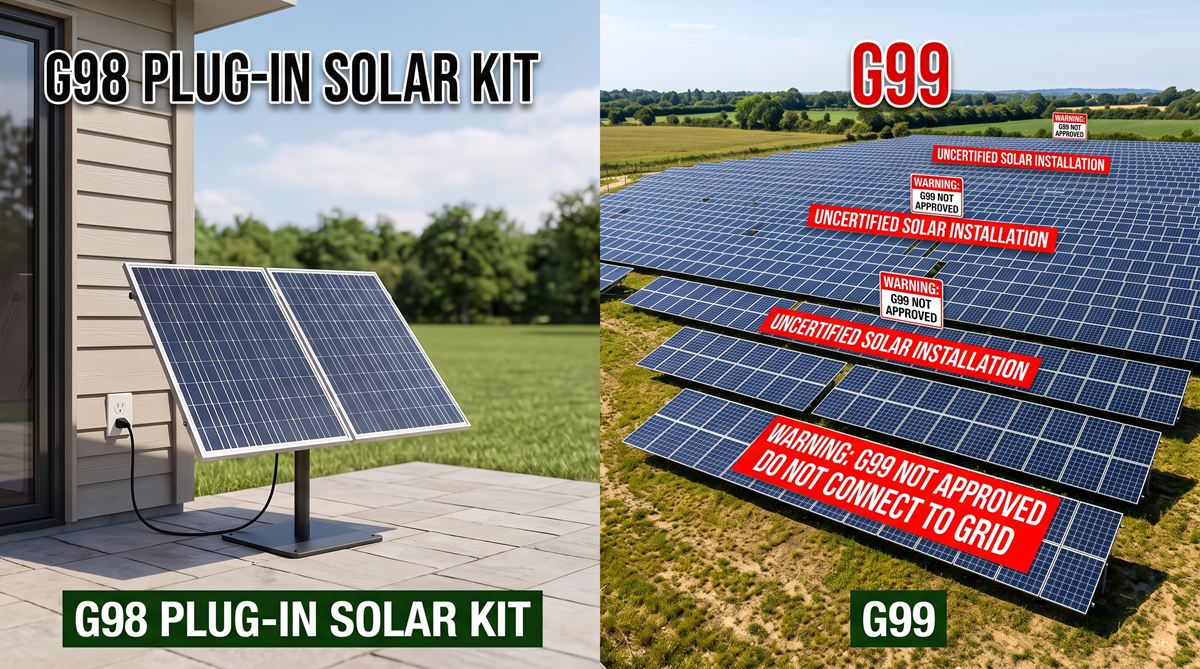
Grid regulations separate microgeneration into two distinct categories. EREC G98 covers certified systems up to 3.68kW per phase. For plug-in hardware, this is capped strictly at 800W AC.
EREC G99 governs larger arrays generating over 3.68kW, systems involving battery storage, or uncertified hardware. G99 requires an 8 to 12-week formal pre-approval process before connection. Purchasing uncertified grey-market kits from online marketplaces forces you into the complex G99 route or leaves your system operating illegally.
Here is exactly how the two regulations differ based on standard grid parameters:
G98 (Plug-In Solar)
- Max Capacity: Up to 800W AC (Plug-in specific).
- Approval Process: Connect and notify within 28 days of installation.
- Notification Fee: Completely free.
- Hardware Required: Equipment must be ENA Type Test registered.
G99 (Large or Uncertified)
- Max Capacity: Over 3.68kW (or uncertified hardware).
- Approval Process: 8 to 12-week formal pre-approval required before connection.
- Notification Fee: Often incurs DNO assessment fees.
- Hardware Required: Requires the submission of extensive technical schematics.
How to Notify Your DNO: Step-by-Step G98 Guide
Step 1: Gather Your Required Information
Before starting the notification process, you need four specific pieces of data:
- Your 13-digit Meter Point Administration Number (MPAN), found on your electricity bill.
- The make, model, and serial number of your micro-inverter.
- The correct technology code, which is R/11 for solar-only systems.
- The exact commissioning date when you plugged the system in.
If you are unsure who your local operator is, use the ENA Find My Network Operator lookup tool.
Step 2: Register on the Central Portal (myplugin.solar)
As of mid-2026, the notification process is streamlined through the Energy Networks Association's national registration portal. Visit the myplugin.solar Registration Portal to begin.
The portal automates notification across all UK license areas. You will enter your property address details and select your verified hardware from a dropdown menu. This menu links directly to the ENA Type Test Register, ensuring only compliant hardware is submitted.
Step 3: Instant Submission & Compliance Proof
Once you submit the form, myplugin.solar automatically routes the notification to the correct regional DNO based on your property postcode.
You will receive an automated email confirmation and a unique reference number. You must keep this document safe. It serves as permanent legal proof of compliance for your home insurance provider, future property sales, and applications for Smart Export Guarantee (SEG) tariffs.
Specific City Plumbing Kit Configurations for Every Home Setup
Depending on your available space, you can select from several Plug-In Solar PV Category configurations:
- Single-panel UKSOL 460W Compact Ground Mount: Sized for small patios or restricted balconies.
- Dual-panel Jinko 940W Hoymiles Plug In Solar Kit: A balanced system for average household base loads.
- High-yield DMEGC 1030W Hoymiles Plug In Solar Kit: Maximises generation within the 800W AC micro-inverter limit.
Essential Pre-Installation & Safety Checklist
Electrical & Property Safety Rules
Before connecting any system, you must follow strict electrical safety rules outlined in BS 7671 Amendment 4.
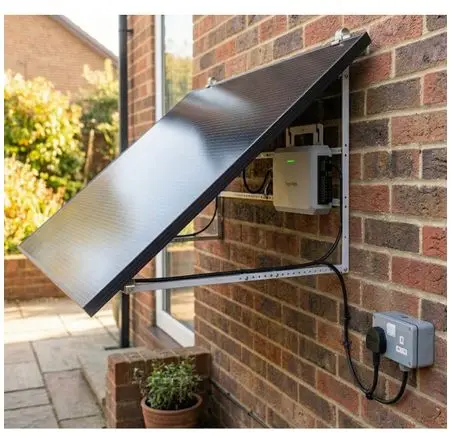
- Kits must plug directly into a permanent 13A wall socket.
- Extension leads, multi-way adaptors, and cable reels are strictly forbidden due to fire risks.
- Your consumer unit requires RCD compatibility - specifically Type A, F, or B - to handle bidirectional power flows safely.
Landlord Consents & Building Regulations
Building restrictions dictate where panels can be safely mounted. There is a complete ban on installing panels on timber balconies, combustible cladding facades, or buildings currently undergoing fire remediation. Renters and leaseholders must obtain written landlord or freeholder consent prior to installing external wall or railing brackets.
Ready to lower your energy bills with legally compliant plug-in solar? Explore City Plumbing’s range of fully certified Plug-In Solar PV Kits online today, complete with fast delivery. Alternatively, pop into your local City Plumbing branch to speak with our renewable energy trade specialists and start generating your own clean power.